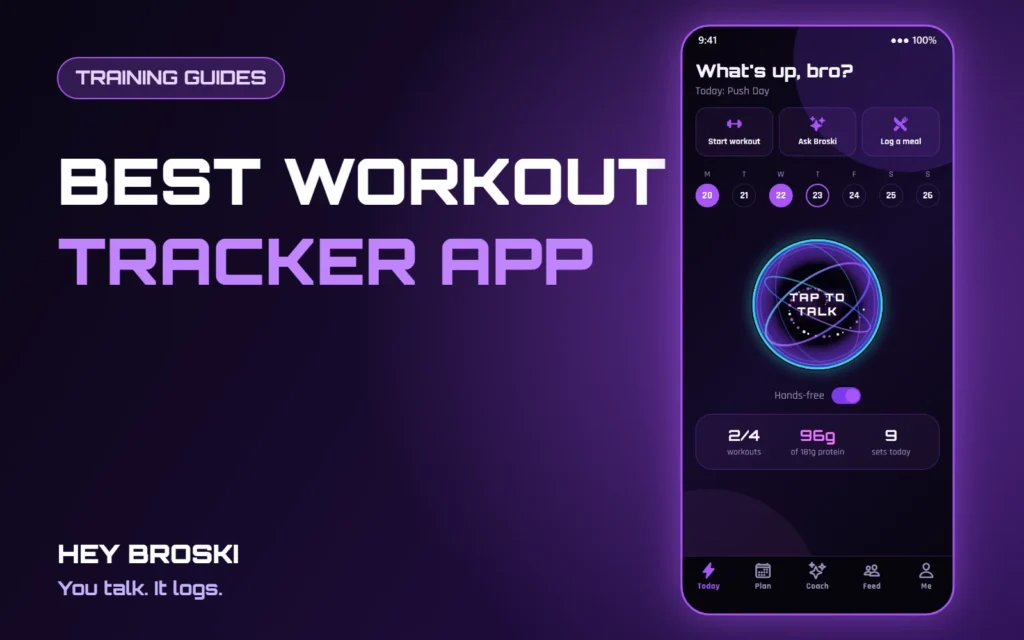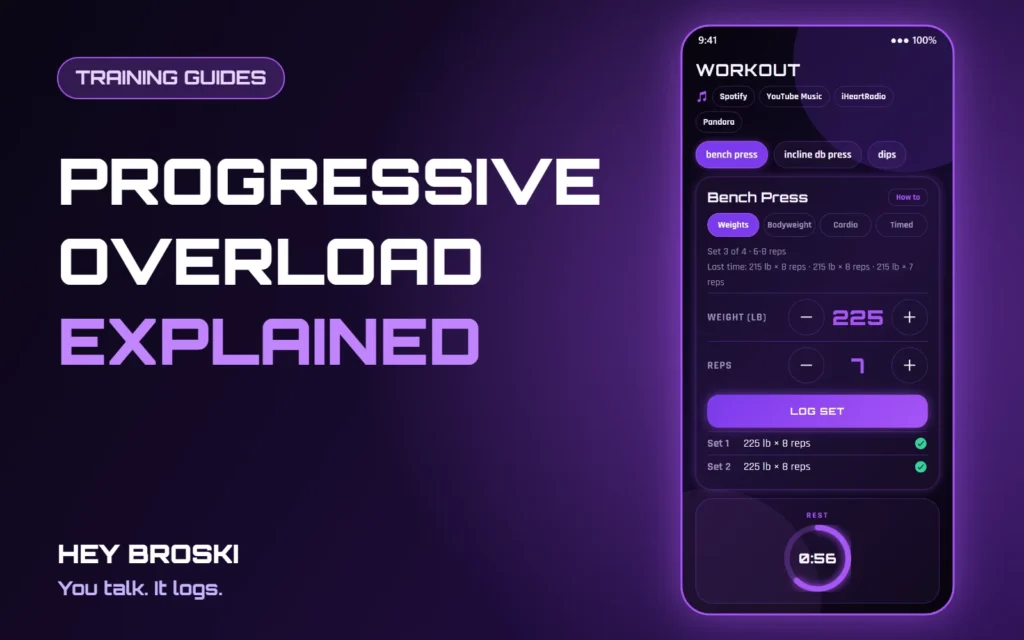
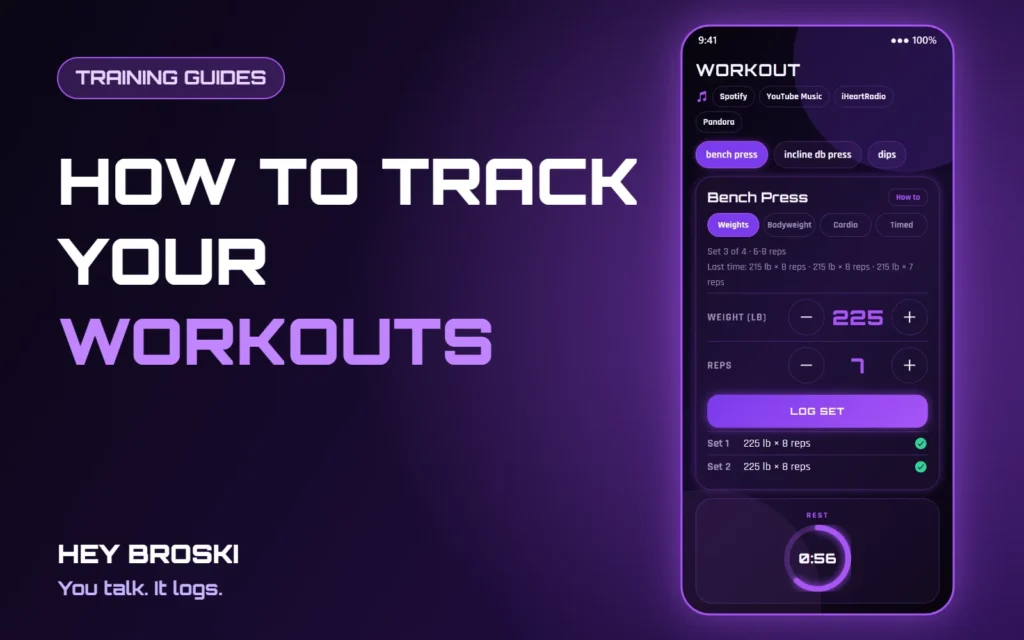
If you only change one thing about your training, make it this: write your workouts down. A log turns “I think I lifted about the same” into a number you can beat. This guide covers exactly what to track, how to review it and how to keep the habit going when motivation drops.
Key takeaways
- Log the exercise, weight, reps and sets. Add a quick note on how hard it felt.
- Review your history once a week and try to beat last time by a little.
- The best tracking method is the one you will still use in month three.
- Voice logging removes the biggest excuse: stopping to type between sets.
Why tracking workouts works
Your memory is a poor training partner. Without a record you cannot tell whether you added weight, did more reps or just felt tired. A log gives you three things: proof of progress, a plan for next time and accountability. That last one has some backing: studies of people who tracked what they ate found that logging often was linked to better results (see what the research says). Those studies were about food diaries, not lifting, but the lesson carries over: consistency in logging goes with consistency in results.
What to log
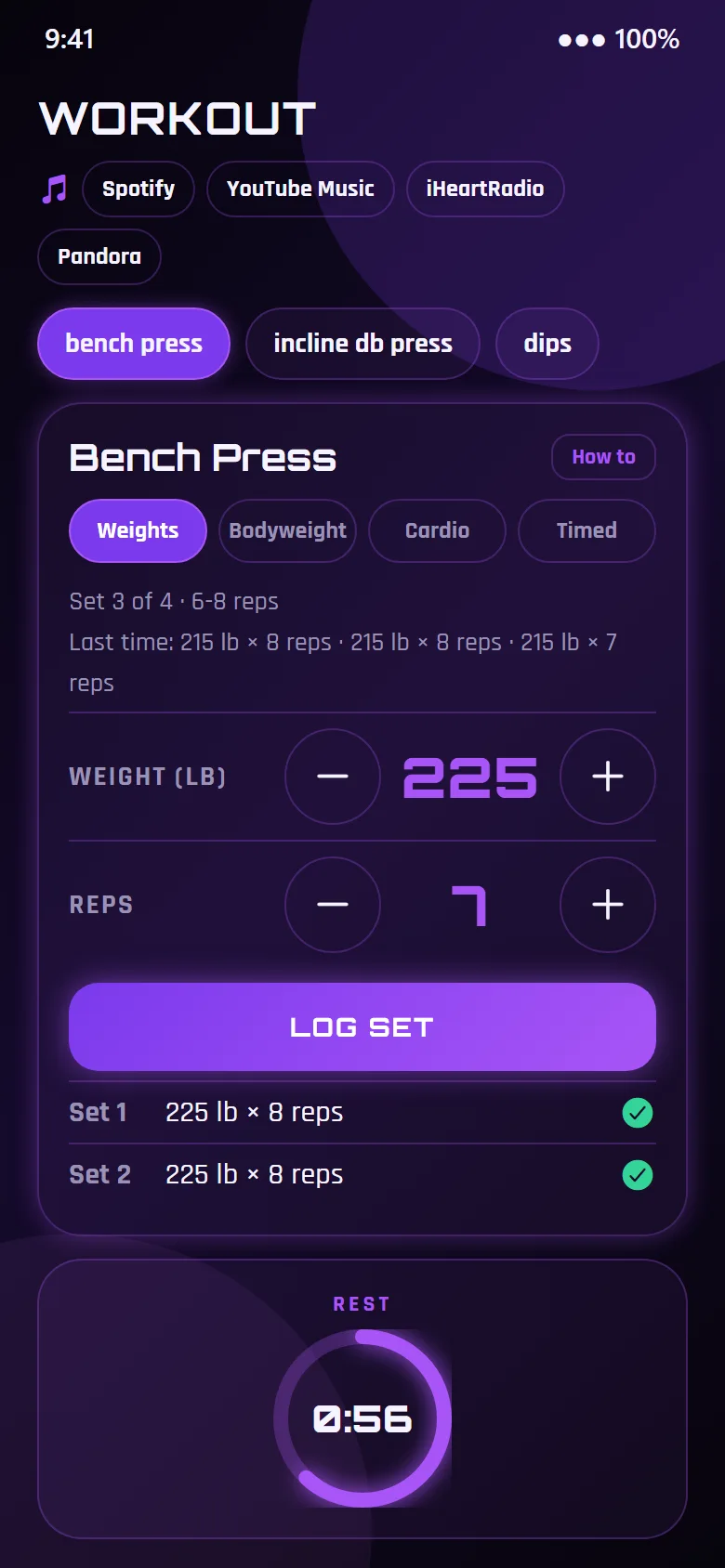
- Exercise: use the same names every time so your history lines up.
- Weight: what was on the bar or the dumbbells. For bodyweight moves, write reps only.
- Reps and sets: write every set, not an average.
- How it felt: a note like “easy”, “last rep slow” or a 1 to 10 effort score. This tells you when to add weight.
That is enough. You do not need heart rate zones, bar speed or ten columns. More fields mean less logging.
When to log
Log right after each set, while the numbers are fresh. Logging at the end of the session means guessing. If typing breaks your rhythm, say the set out loud instead: apps with voice logging let you say “bench 225 for 8” and move on (here is how that works).
How to review your log
- Before each workout: look at last time for the same exercise. That is your target.
- Once a week: scan the week. Did you do every planned session? Which lifts went up?
- Once a month: compare this month with last. Look at your heaviest sets and your total sessions.
When a lift stalls for three or four sessions, you have found something to fix: sleep, food, rest between sets or the program itself. Our guide to progressive overload shows how to use your log to keep moving up.
How Hey Broski helps
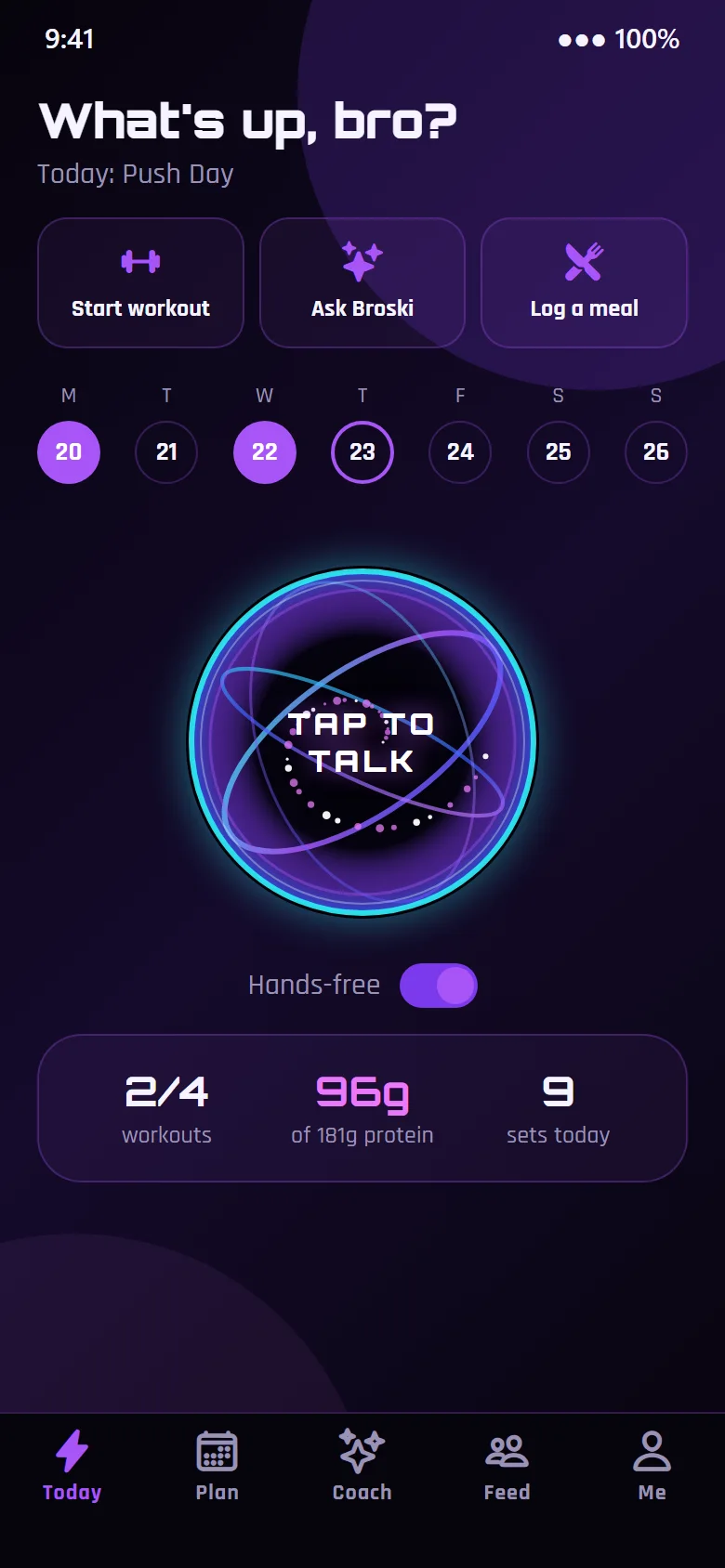
Hey Broski logs by voice: say your set and it is saved on your phone, even with no signal. Logging sets and water is unlimited on every plan. Your rest timer, personal records and charts update on their own, and the Today screen shows your sets so far. Coming from another app? Import your Hevy or Strong history so your log does not start from zero.
Get Hey Broski on Google Play A hands-free fitness logging app. No ads, and an AI coach when you want one. iPhone coming soon.
Frequently asked questions
What should I track in my workouts?
The exercise, weight, reps and sets for every working set, plus a quick note on how hard it felt. That is enough to see progress.
How often should I check my workout log?
Look at it before each workout to set your target, then do a quick review once a week and a bigger one monthly.
Is a notebook or an app better for tracking workouts?
Either works. An app saves history, shows trends and can log by voice, while a notebook is simple and free. Pick the one you will use every session.
Do I need to log warm-up sets?
Most people only log working sets. If your warm-ups help you see your progress, log them in a note, but do not let it slow you down.
Keep reading
- Progressive overload for beginners: use your log to add weight or reps at the right time
- Best workout tracker app: what to look for: a checklist for choosing
- Your first 30 days of training: a habit plan that starts with logging
Choosing between apps? See the side-by-side comparison chart of eight AI fitness apps.
Get Hey Broski on Google Play A hands-free fitness logging app. No ads, and an AI coach when you want one. iPhone is coming soon. See what’s new.