Hey Broski is a hands-free fitness logging app: you talk, it logs. This page shows what the app does, a simple daily routine, the voice commands that work and the tips that make it feel effortless. It is live on Android on Google Play. iPhone is coming soon.
Key takeaways
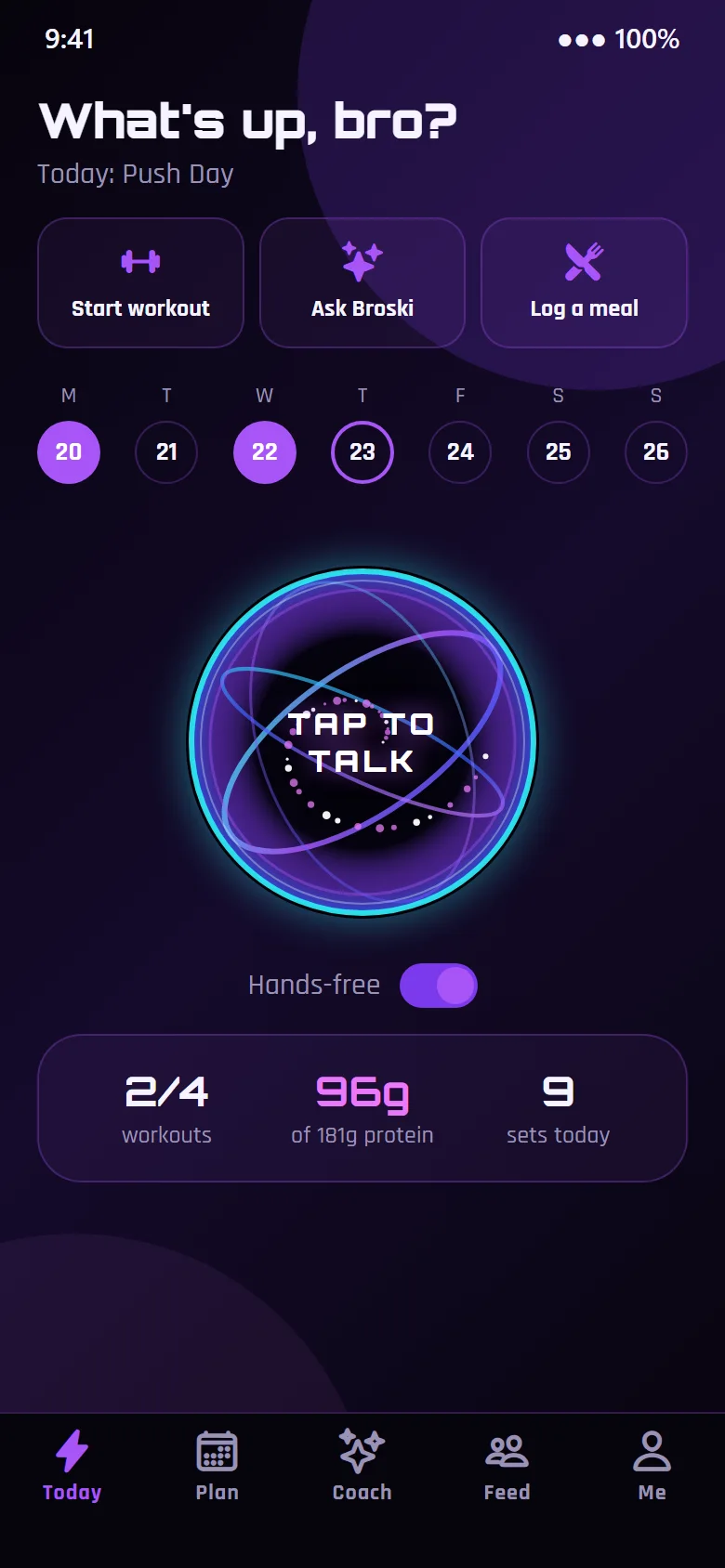
- Say “Hey Broski”, wait for the chime, then say your set, water, meal or question.
- Logging sets, water and cardio by voice is unlimited on every plan and works offline.
- Your plan, calories, protein, fasting and workouts live in one app.
- Use the daily routine below to build the habit in a week.
What the app does
- Voice logging: sets, water and cardio, saved on your phone.
- Four coaches: Broski, Sarge, Jess and Coach. Ask anything, or change your plan by voice.
- Weekly plan: workouts on a calendar, built around your goal.
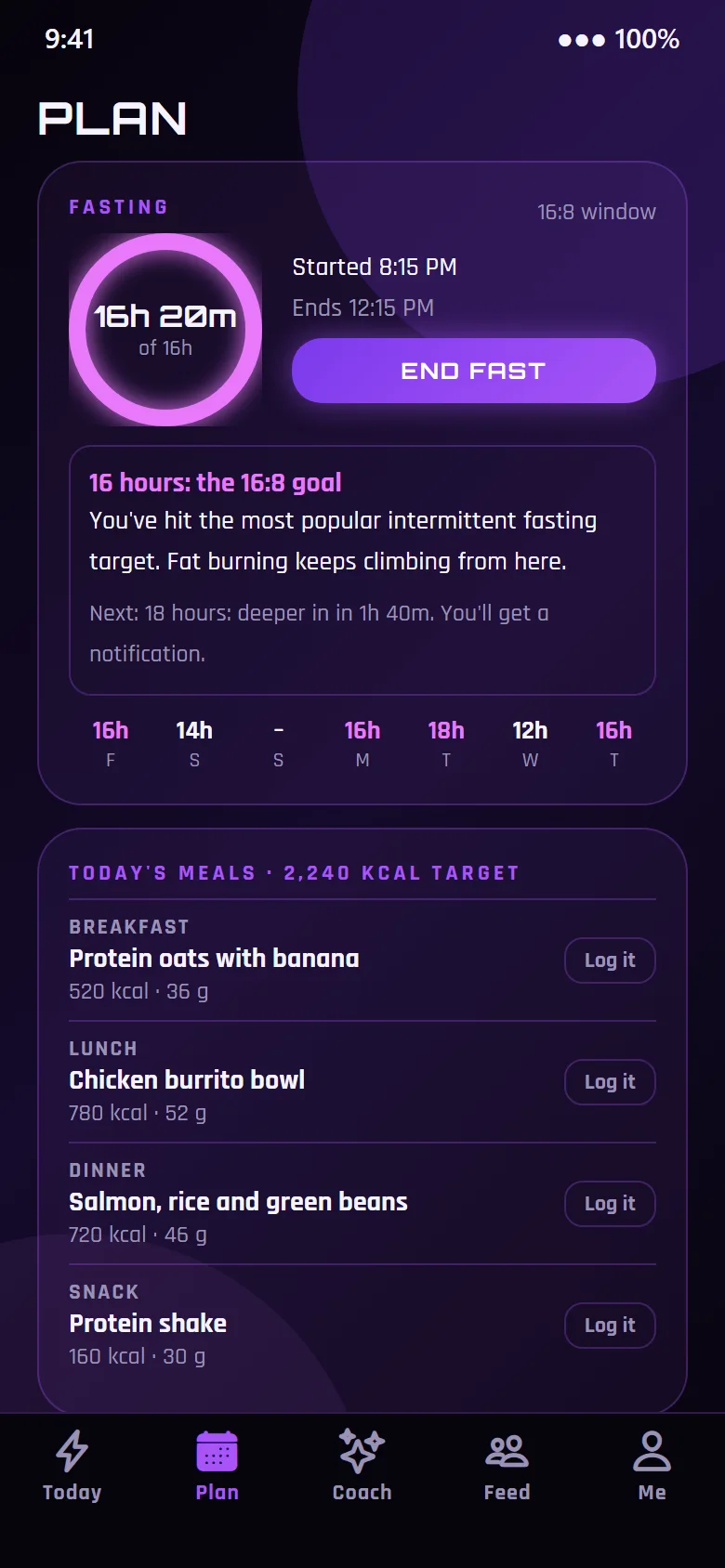
- Food and fasting: meal and calorie targets, a protein goal and a fasting timer with milestone alerts.
- 96 animated exercise guides to check form (15 on Basic, all 96 on Pro and Elite).
- Records and charts: personal records and history update on their own.
- Reminders: pick your level, from just important updates to Keep me in check.
- Import: bring your history over from Hevy or Strong.
Your daily routine
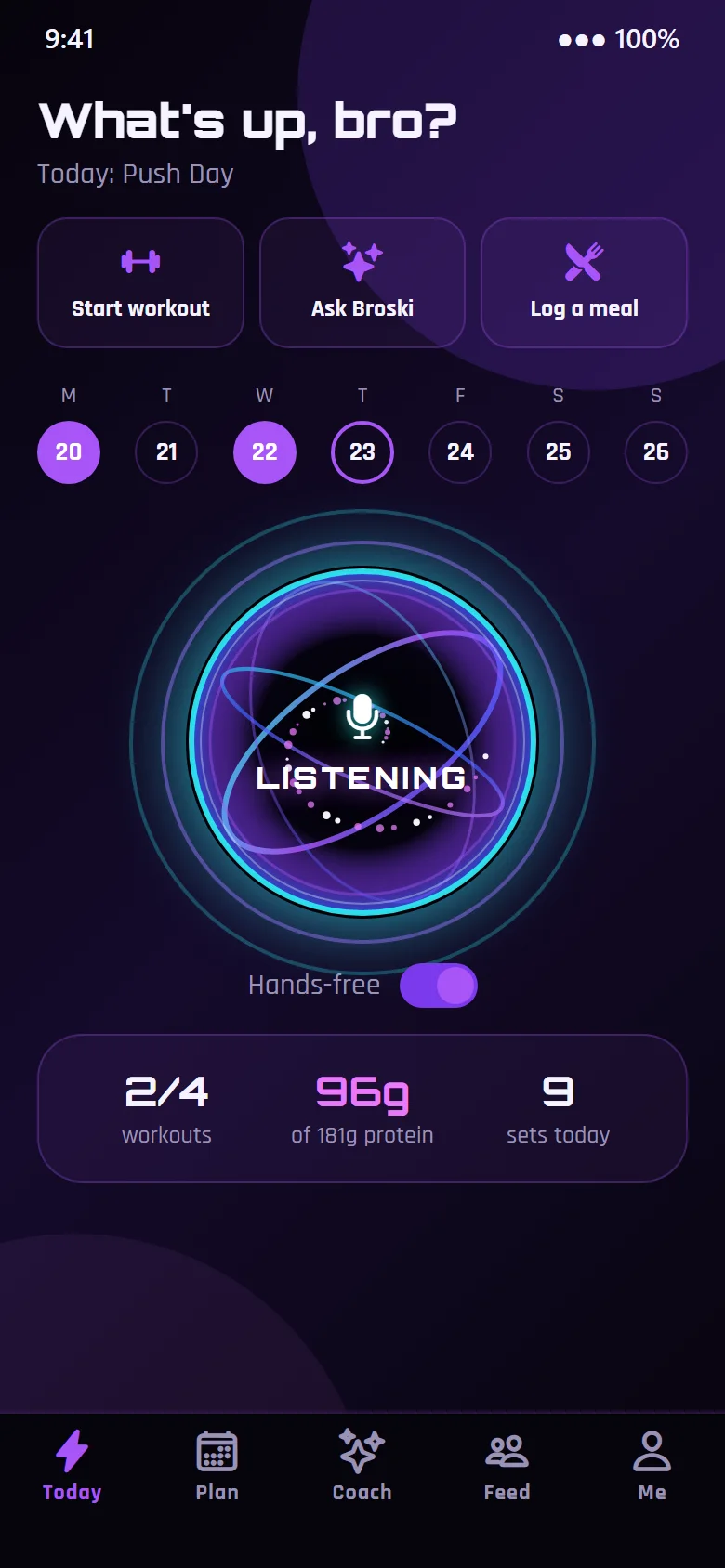
- Morning: open the Today screen. See your workout, your protein goal and your plan for the day.
- Before training: ask your coach “what should I focus on today?” or check an animated guide.
- During the workout: keep your phone in your pocket. Say “Hey Broski”, then each set. Start rest timers by voice.
- After: log meals and water. Say “chicken and rice, 600 calories”.
- Evening: look at your progress. If you fast, ask “how long have I fasted?”
Voice commands that work
| Say this | What happens |
|---|---|
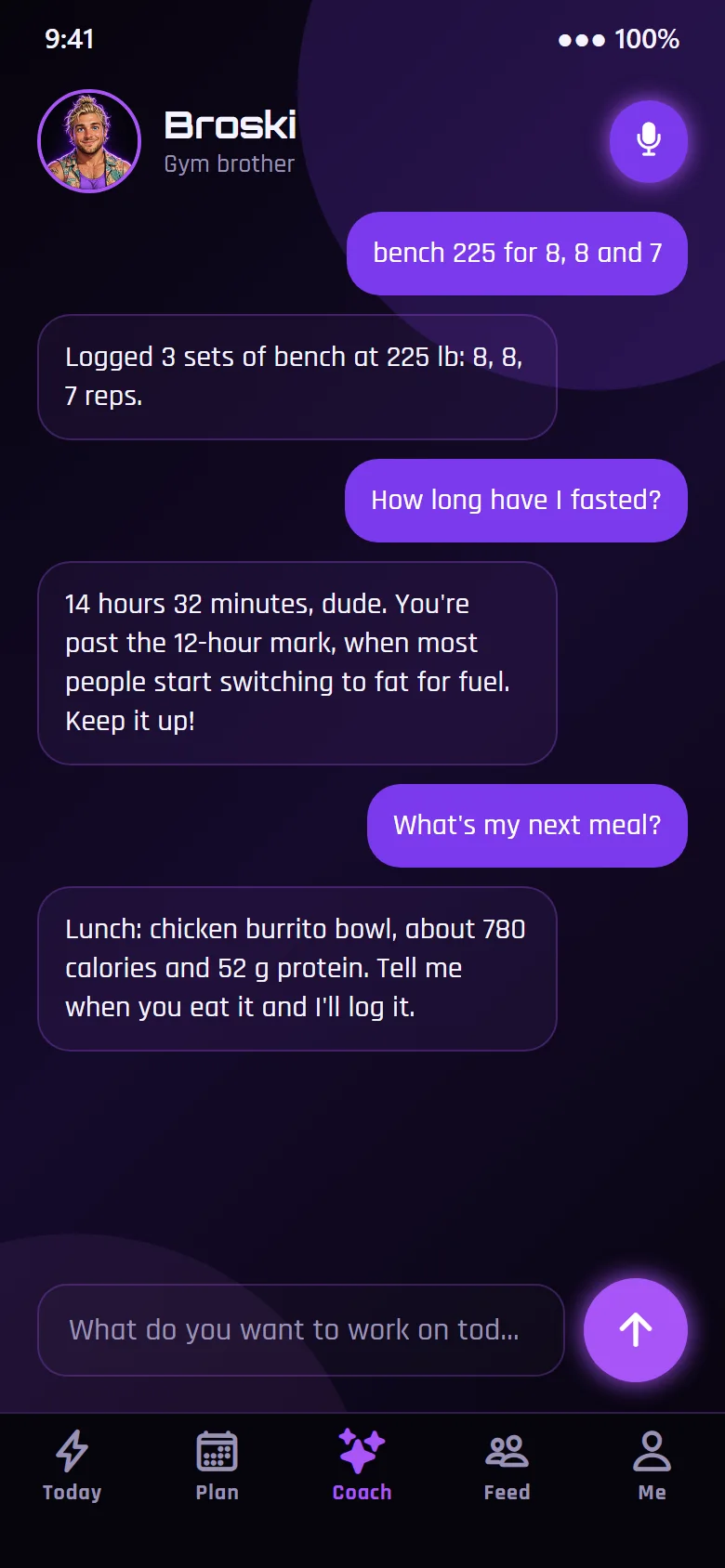
| “Hey Broski” then “bench 225 for 8” | Logs a set of bench press, 225 for 8 reps |
| “Bench 225 for 8, 8 and 7” | Logs three sets |
| “3 sets of 10 squats at 135” | Logs three sets of squats |
| “15 pull ups” | Logs bodyweight reps |
| “Log a set” | Repeats your last weight and reps |
| “16 oz water” | Logs water |
| “Ran 5k” or “30 minute walk” | Logs cardio |
| “Start a 90-second rest timer” | Starts a rest timer |
| “How long have I fasted?” | Tells you your fasting time |
| “Undo” | Removes the last log |
Questions like “should I do 3 sets of squats?” go to your coach and are never logged as a set. Full list and tips in our hands-free logging guide.
Tips and tricks
- Wait for the chime. It means Broski is listening.
- Speak normally. No special script is needed.
- Fix it fast. Say “undo” or edit the set on screen.
- Use earbuds in loud gyms so you can hear replies.
- Let your coach edit your plan: swap a day, add meals or take a day off by voice.
- Pick your reminder level in Notifications. Each reminder has a Change settings button.
- Start fasting small. Try 12 hours first (fasting guide).
- Check the guides before a new exercise.
- Bring your history with the CSV import.
Plans and limits
Hey Broski starts with no card and no ads. Pro is $28.99 a month and Elite is $48.99 a month, and they add more coaching, voices and food photo scanning. Logging sets, water and cardio is never capped. AI coach chats, food lookups and spoken replies have daily and monthly fair-use limits that depend on your plan. Details are on the pricing section and in the Terms.
Frequently asked questions
How do I start a workout by voice?
Say “Hey Broski”, wait for the chime, then say your first set, like “bench 225 for 8”.
Does it work without internet?
Logging sets, water and cardio by voice runs on your phone and works offline. AI coach chats and food lookups need a connection.
Is there an iPhone version?
Not yet. Join the list on the home page and we will email you when it launches.
Can I use it for running?
You can log runs and walks by voice. The app does not track your route with GPS.
How do I change my coach?
Open your settings to pick a coach voice. Coach, Sarge and Jess come with Pro and Elite.
Get Hey Broski on Google Play A hands-free fitness logging app. No ads, and an AI coach when you want one. Compare it with other apps in our comparison chart.