
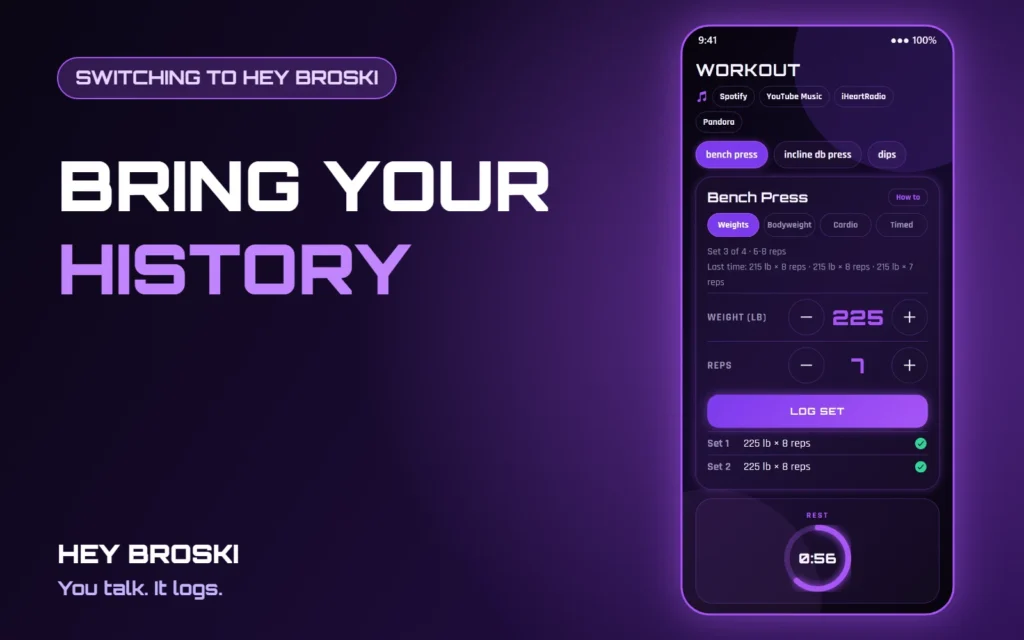
Years of logged sets should not stay stuck in an app you no longer use. Hey Broski can import workout history from a CSV file exported from Hevy or Strong.
Step 1: export from your old app
In Hevy or Strong, find the option to export your workouts as a CSV file. The menu names change between app versions, so look in the settings or profile for “Export data”. Save the file somewhere you can find it on your phone.
Step 2: import into Hey Broski
- Open the Me tab.
- Tap Import and health sync.
- Pick your CSV file.
Your sets and records come in, and your charts pick up from there.
Step 3: check it
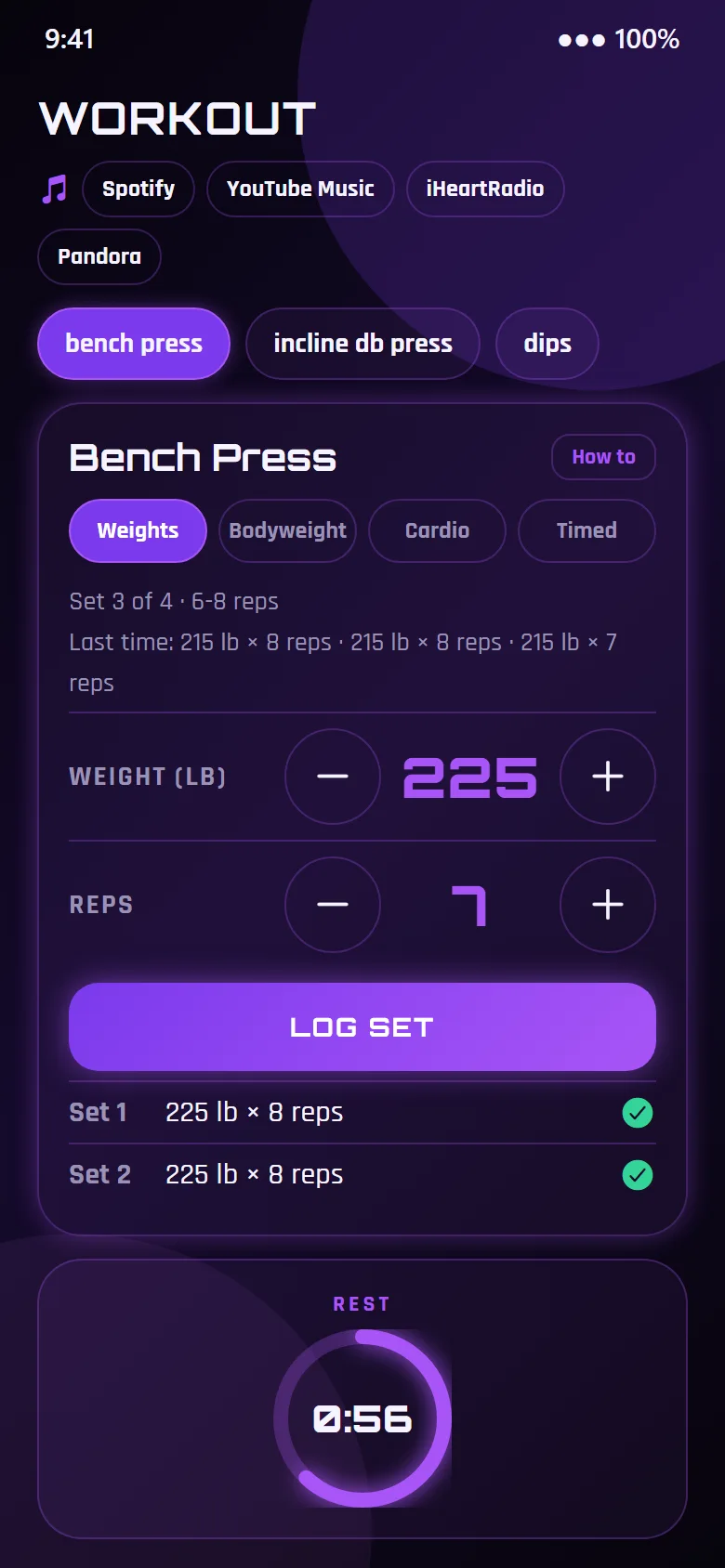
- Open a lift you do often and check that the last few sessions look right.
- Look at your personal records for your main lifts.
- If something looks off, note which column or exercise it was and tell us through the contact page so we can fix it.
Good to know
- Exercise names are matched to Hey Broski’s exercise list, so a few unusual custom exercises may appear under their own names.
- Column names differ between exports and apps change them, so tell us if an import misses something.
- Your old app keeps its own copy. Importing does not delete anything there.
Then log by voice
Once your history is in, keep going with hands-free logging. Still deciding between apps? Our comparison shows what each one covers. Hey Broski is live on Android on Google Play.
Keep reading
- Hands-free workout logging: what to do once your history is in
- Your first 30 days of training: a fresh-start plan
Choosing between apps? See the side-by-side comparison chart of eight AI fitness apps.
Get Hey Broski on Google Play A hands-free fitness logging app. No ads, and an AI coach when you want one. iPhone is coming soon. See what’s new.